
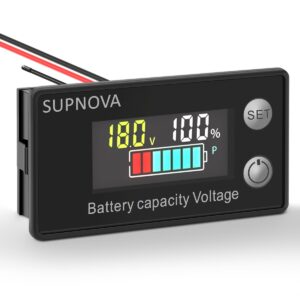
 SUPNOVA LCD Color Screen DC Voltmeter Lithium Storage Battery Meter
 Subtotal: ₨ 1,650
Cells Batteries & Chargers, Sensors and Breakup Boards
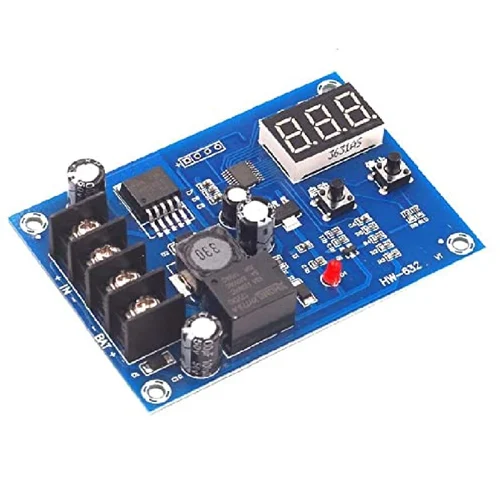
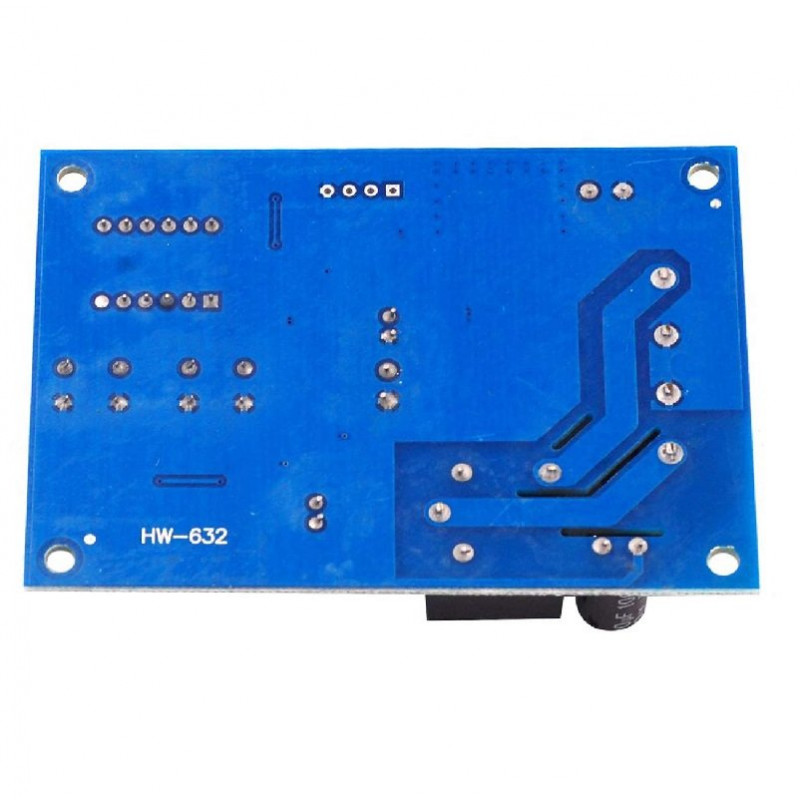
XH-M603 Battery Charge Controller Module
Availability:
2 in stock
₨ 850
2 in stock
- Input Voltage: DC 10V to 30V
- Display Precision: 0.1V
- Control Precision: 0.1V
- Voltage Tolerance: ±0.1V
- Output Type: Direct Output
- Battery Voltage: 12V to 24V
- Dimension(mm): 82 x 58 x 18
It accomplishes this with a small microcontroller, two voltage regulator chips, a bunch of discrete components, two microswitches, a PCB screw terminal block, an electromagnetic relay, one red LED and a 3-digit LED display. All in all, it looks like a compact module.
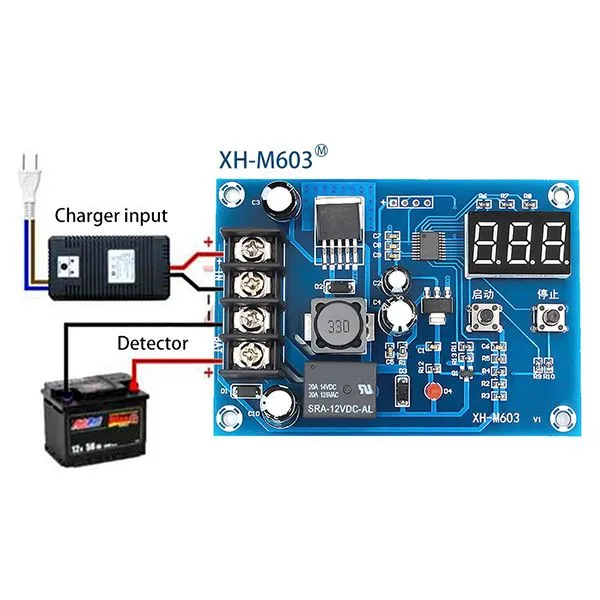
Below you can see an annotated figure of the HW-632/XH-M603 module.

Quick Start Guide
Unfortunately, I could not find a user guide or in-depth tutorial on using this module. I went my way to better understand the module and succeeded in that task. It took a little longer than expected but I was happy with it.
Here are some steps that will help you to use your HW-632/XH-M603 module:
- Connect your rechargeable battery to the module’s battery (BAT) terminals, ensuring proper polarity. After a while the LED display will show the exact battery voltage. Keep note, the module draws power from the battery for its operation, not from the battery charger.
- In the normal display mode, pressing the UP/START button will display charging start voltage. You can long press it for around 3 seconds to see a flashing display. Then you can use the UP and DOWN buttons to set the start voltage value. In the end, leave the button until flashing stops and the chosen voltage will be set.
- Likewise, in the normal display mode, pressing the DOWN/STOP button will display charging stop voltage. You can long press it for around 3 seconds to see the flashing display and can use the UP and DOWN buttons to set the stop voltage value. In the end, leave the button until flashing stops and the chosen voltage will be set.
- Now connect the battery charger to the charger input (IN) terminals of the module, and you’re ready to go. Remember, it’s always important to match your battery charger to cater the correct voltage and current for the battery you are charging.
- In power-on state, you can factory reset the module by pressing the UP and DOWN buttons simultaneously for around 3 seconds. Then it will show 888 in the LED display for a while. The default/factory values are 12V (start value) and 14.5V (stop value).
There are no reviews yet.